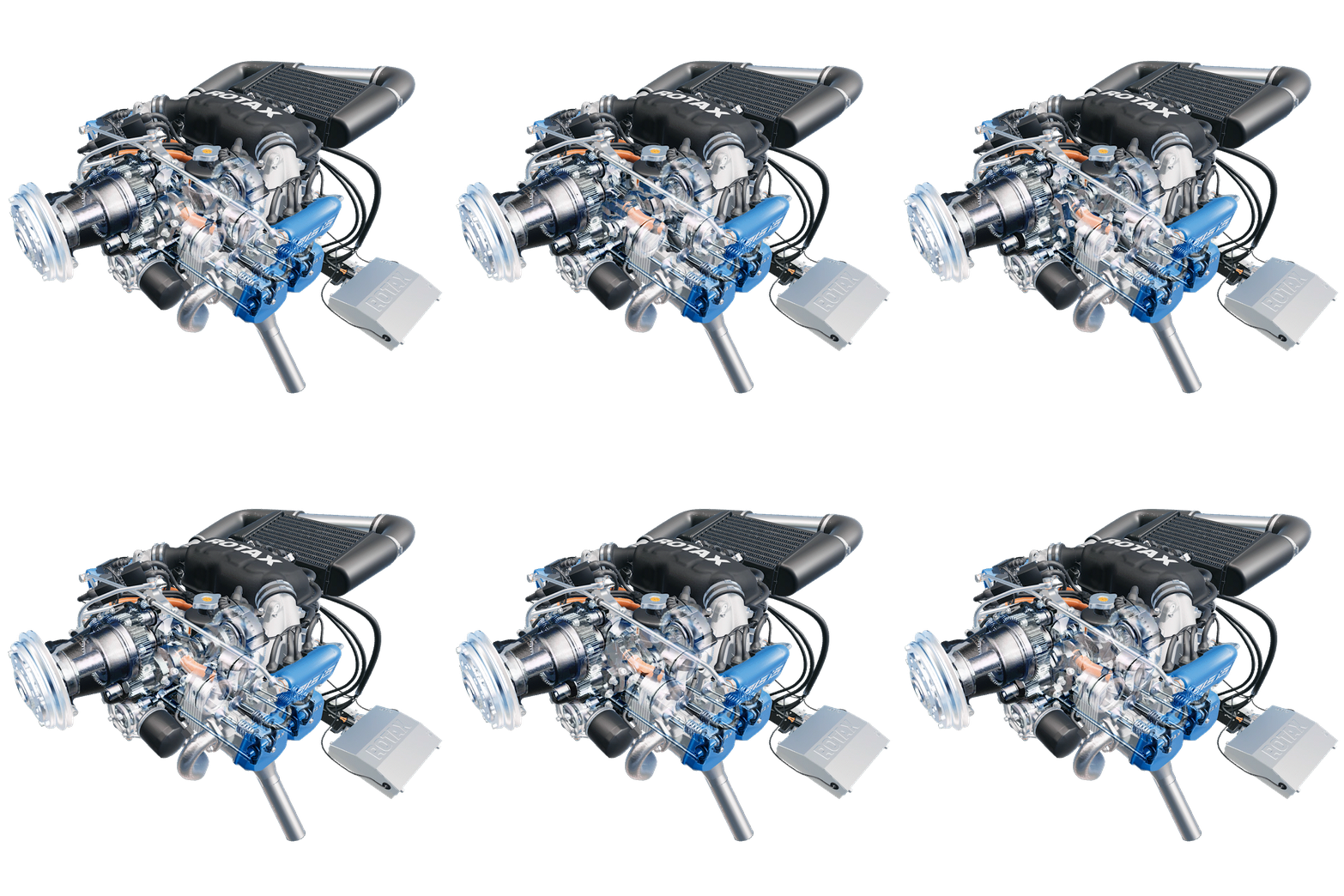
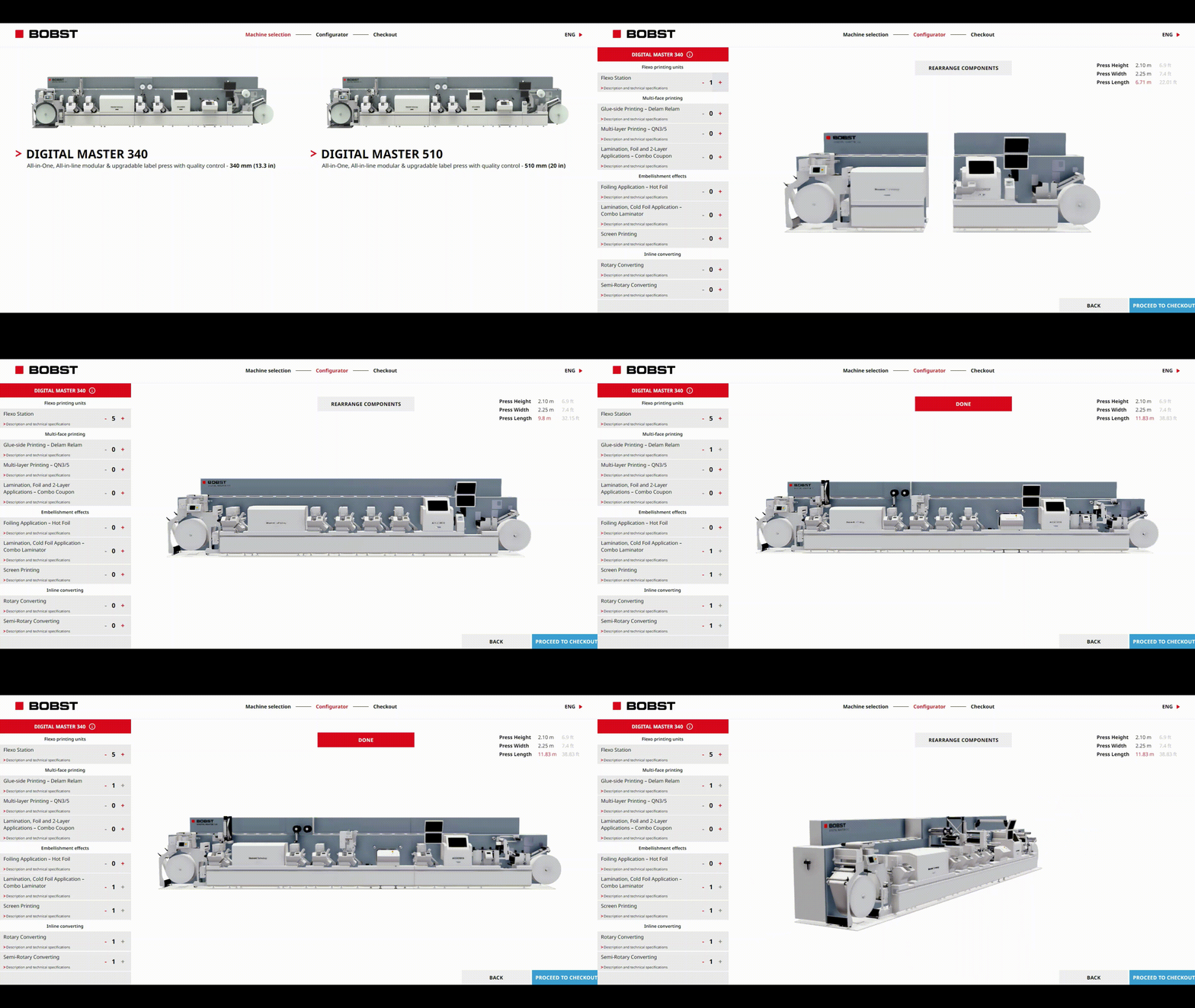
frontline.io’s Digital Twins render over 200,000 parts with full precision, mirroring every component of real machines. This accuracy enables reliable training for high-stakes manufacturing sectors like semiconductor, defence, aerospace, printing, medical devices and industrial manufacturing.
AR Remote Support
In frontline.io, Digital Twins enhance AR Remote Support by giving experts and technicians a shared, real-time 3D view of the equipment. Combined with screen sharing and AR annotations, this enables faster diagnostics, higher first-time fix rates, and more efficient remote problem-solving.
Manipulate Digital Twins
With frontline.io, teams rotate, zoom, isolate, and manipulate Digital Twins in real time. They simulate procedures, practice maintenance, and troubleshoot equipment using intuitive controls . AI guides steps and delivers the right information instantly.
Create Digital Twins in minutes
frontline.io eliminates long modelling timelines by converting CAD files into optimized Digital Twins in under four minutes, no 3D expertise needed. Build step-by-step workflows using a zero-code drag-and-drop editor, with AI suggestions that speed up procedure authoring and provide contextual task guidance during training and maintenance.
AR/VR Training
frontline.io delivers AR/VR training through Digital Twins technology, letting learners interact with realistic 3D models for immersive, hands-on learning. Compatible with all major devices, it offers scalable, self-paced simulations that reduce training costs.
Exploded views of internal components
Exploded views let manufacturing teams deconstruct Digital Twins instantly, revealing how internal assemblies fit and function. Adjustable exploded-view depth provides clarity for diagnostics, training, and field preparation, without disassembling real machinery.
Device Agnostic
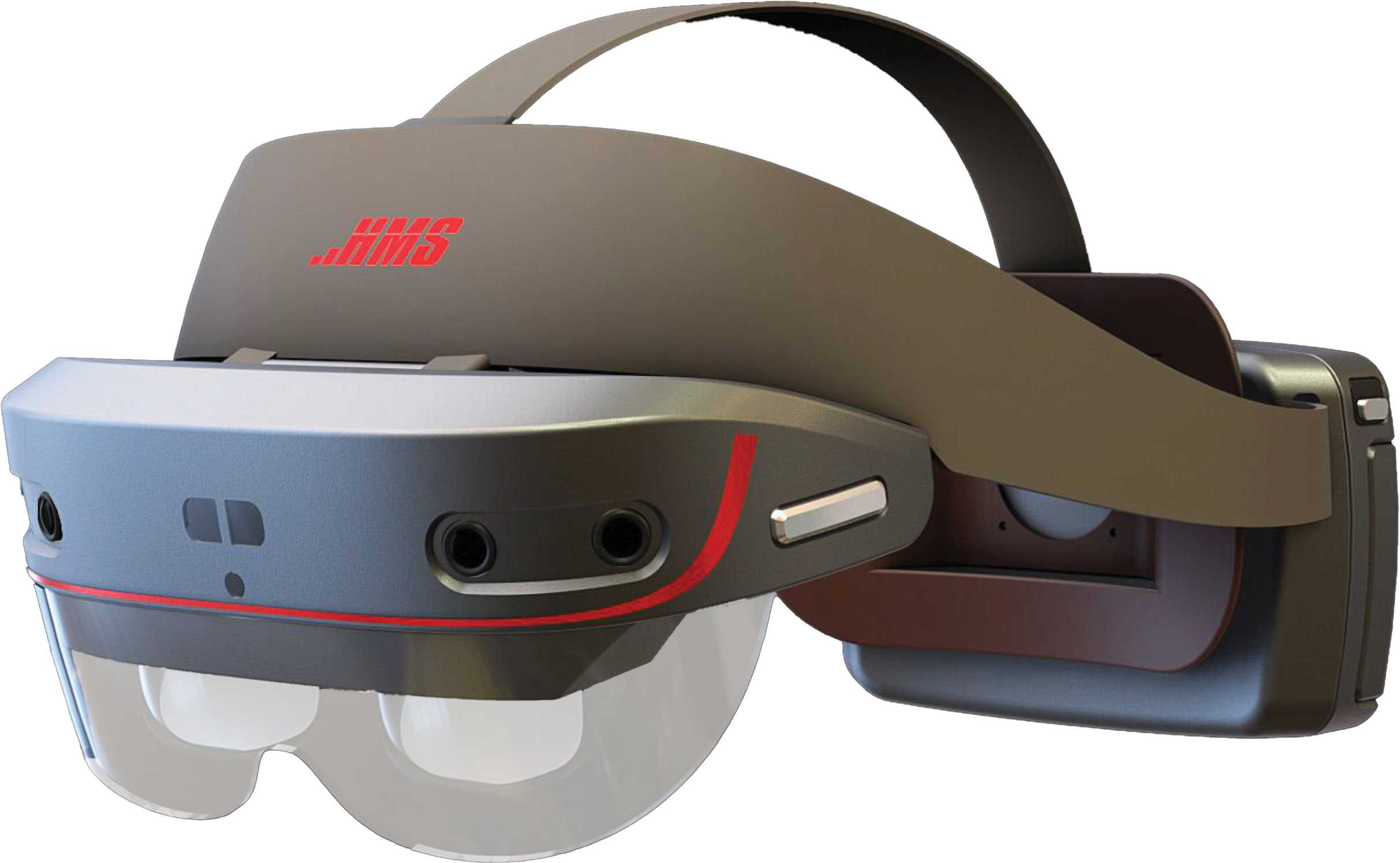
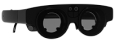
Train and deploy on AR, VR, MR, PC, tablet, and mobile. Compatible with major headsets including HoloLens 2, Quest 3, Vuzix Ultralight, RayNeo X3, DigiLens, and HMS SINGRAY G2.
Support for 30+ CAD File Formats
Import CAD files in 30+ formats, ensuring seamless conversion into Digital Twins. Whether you use Autodesk, Dassault, or Siemens tools, your files are supported.
Lightweight FDLT Format
The proprietary FDLT format keeps models lightweight and optimized, converting CAD files for smooth performance and easy sharing across all devices — upload, load, and collaborate without lag.
Digital Twins Recorder
A built-in Recorder lets users capture screenshots or video walkthroughs of Digital Twins, making it easy to document procedures, create tutorials, and share visuals.
Digital Twins Editor
The Digital Twin Editor lets creators restructure CAD components, adjust visibility, assign materials, and customize metadata — turning complex models into optimized, interactive tools.
Role-Based Views & Attributes
frontline.io tailors Digital Twins with role-based visibility, tooltips, safety indicators, and custom UI elements. Each user sees only what’s relevant, improving clarity, safety, and efficiency.
Engineered for the World’s Most Demanding Environments
Data Centers
Industrial Manufacturing
Construction
Aerospace & Defense
Semi-Conductors
Medical Devices
3D Printing
Agritech
Automative
“The content creation for HP which was one of the most troublesome areas for scaling XR has now become 5 times faster than any other solution. With 20 digital twins and hundreds of procedures created for them, thousands of HP team members and clients are now receiving an advanced-level support and training.”
— Ayush Jain
Leader at HP xRServices
SOLUTIONS
Digital Twins
Ready to elevate your training and support?
With frontline.io, you can create precise 3D Digital Twins, deploy workflows fast, and boost team performance.
Start building smarter, more immersive experiences today.
The Only Fully Cross-Platform XR Solutions for Industrial Teams
Experience frontline.io for yourself and see how Digital Twins, Interactive Flows, Remote Support, Virtual Training Rooms, and Interactive Parts Catalog can transform your training and support operations